A contemporary creator in a warmly lit studio, holding a phone against a dark cinematic background with generous space for white headline text.

An independent guide to bio links

Linkinbio ideas for a clearer social profile.

Learn how a bio-link page can organize your destinations. This site is an editorial guide, not a bio-page builder; the linked partner social scheduling tool helps schedule social posts and review post analytics.

Already have a page or website to link from your bio? Plan the posts that point people there. The social scheduling tool does not create or host link-in-bio pages or newsletters.

Explore post scheduling

Sign-in and a seven-day trial or paid plan apply. No page details are transferred from here.

EDITORIAL BIO-LINK IDEAS — NOT TEMPLATES IN SOCIAL SCHEDULING

Handmade jewelry studio use caseSmall shop Food creator use caseCreator Photography portfolio use casePortfolio Local cafe use caseLocal business

What’s a link in bio?

It’s a small, shareable page that makes the content behind your social profiles easier to find and explore.

Turn followers into customers

Give visitors a clear path from your posts to your products and important pages.

Grow your following on every platform

Help people discover your website, social profiles, and mailing list.

Manage all your links in one place

Put the destinations your audience is looking for behind one memorable link.

Customize for SEO & appearance

Make your page feel like your brand and help people understand what they’ll find.

How to customize link in bio

Make your page as unique as you.

Think beyond a list of links: bring together featured content, helpful buttons, and a look that fits your brand.
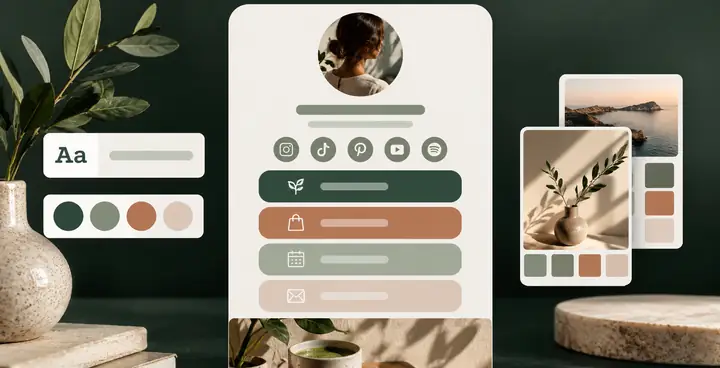
Editorial preview of a customizable link page with coordinated colors, buttons, and typography.

Custom design

Give your page a recognizable look with thoughtful colors, text, buttons, and backgrounds.
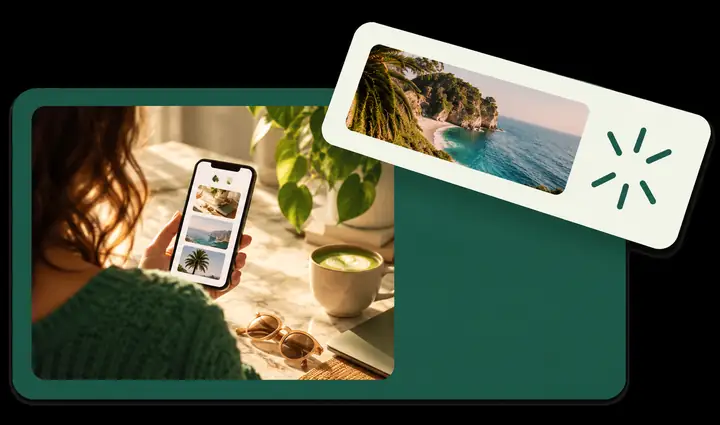
Clean link page preview with a prominent banner calling attention to featured content.

Featured banner

Make your latest project, offer, or most useful destination easy to spot.
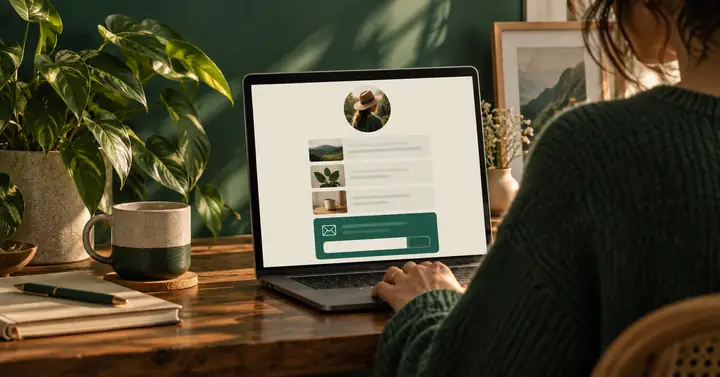
Minimal newsletter signup preview on a green and cream creator page.

Mailing list connection

Make it simple for interested visitors to find your newsletter and stay in touch.
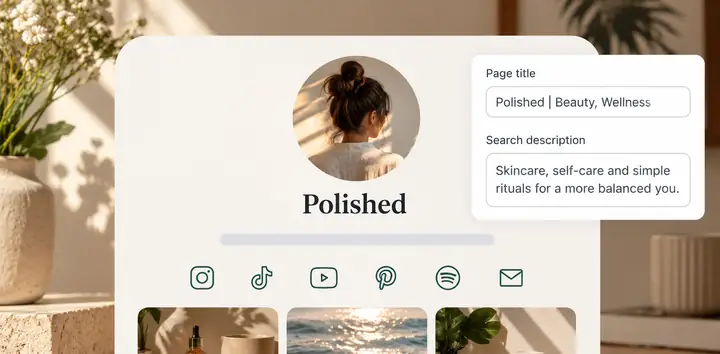
Polished link page preview showing a page title and search description interface.

Clear page details

Choose a title and description that tell visitors what your page is about.

Link in bio features

Here’s what you can do with link in bio.

Gather your links in one easy-to-browse place. Share your work, direct people to what matters, and keep your audience connected.

Set up link in bio

Drive traffic and clicks

Your page can take visitors beyond a social profile to the rest of your work. Whether it’s a new article or a product page, show people where to go next.

Explore post scheduling
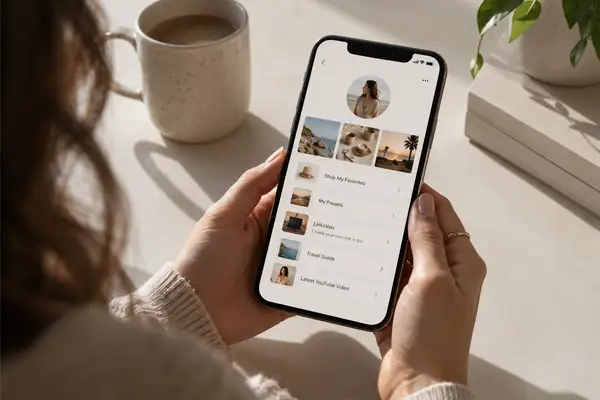
Realistic smartphone interface showing a modern creator profile and a clearly visible link leading to a product page, photographed on a pale backdrop.

Measure what matters

Make every destination count

Give each post a useful next step, from a story on your site to a product in your shop. A well-organized page helps visitors find the right link.

Explore post scheduling

Realistic smartphone preview of a thoughtfully arranged beauty brand link page with product cards and a visual content grid on a soft neutral backdrop.

Choosing a URL

One clear destination.

Keep your social bios tidy with a single destination for the links you want to share. That destination must be hosted separately; The social scheduling tool will not create or personalize it.

Explore The social scheduling tool scheduling
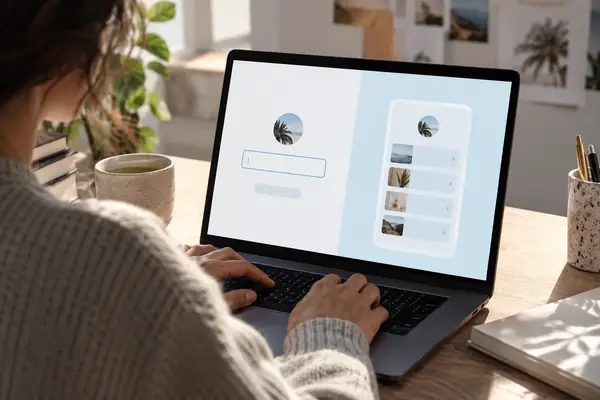

Realistic close-up of a clean link page setup interface on a laptop, with a simple username field and a pale blue accent panel.
Editorial smartphone photograph of a magazine-style creator page with a grid of striking culture and fashion stories against a black background.

Editorial example — not a customer review

An organized set of links can help visitors find a next step. The pictured page is an illustration, not a social scheduling template or published result.

Editorial planning idea

Ideas for creators and publishers

Explore more ideas
FAQ

How do I add a link to my TikTok bio?
Open your TikTok profile, choose Edit profile, and look for the website field. Availability can depend on your account and region. Add the URL of the page you want visitors to open.
Can I use one link in bio for both Instagram and TikTok?
Yes. You can put the same destination in both bios so visitors from either platform can find your most important links.
What’s the difference between a link page and Instagram shop tags?
Shop tags point to products within supported shopping experiences. A link page can organize a broader range of destinations, such as articles, contact information, and other profiles.
Can I share multiple links for one post?
A page can give visitors several related destinations, such as a product, a longer story, and a contact link. Keep the choices clearly labeled.
Do links need to be attached to a post?
No. Your bio page can also contain evergreen destinations that are useful whether or not someone arrived from a particular post.
Will my link page look exactly like my social feed?
That depends on the tool and design you choose. A page can echo your visual style without duplicating your feed.
What kind of profile do I need?
Creators, businesses, and personal profiles can all benefit from a clear place to collect the links they share.
What should I put first on my page?
Lead with the destination your visitors are most likely looking for, then group supporting links beneath it.
Should I review where my links lead?
Yes. Check that destinations are current, clearly named, and appropriate for the people visiting your page.

Resources and expertise to keep you ahead.

Colorful editorial collage of social content ideas and creative pages.

Ideas & inspiration

Find fresh ways to organize and share your work online.
Bright collection of guides and worksheets for planning a social presence.

Helpful resources

Explore practical ideas for making your social profiles more useful.

Common questions

Get a clearer picture of how a link in bio page works.

Ready to plan posts around your bio link?

Create or maintain the link page with a separate provider. The social scheduling tool can help schedule connected-account posts and review their performance.

Explore post scheduling
Explore social media scheduling